UX Sound Design: Creating Immersive User Experiences Through Audio
September 21, 2022
What Is UX sound design?
UX sound design is the practice of creating and implementing audio elements within digital products to enhance user experience. It combines acoustic principles with user experience design to develop meaningful audio feedback that guides users through their interactions with apps, websites, and digital interfaces.
Unlike background music or sound effects in media, UX sound design focuses specifically on functional audio – sounds that communicate information, confirm actions, and provide feedback during user interactions.
What are UI sounds?
UI sounds, or user interface sounds, are the specific audio elements users hear when interacting with digital products. These user interface sound effects include interaction sounds when tapping buttons or navigating menus, notification sounds that alert users to new messages, confirmation tones that verify successful actions, error sounds that signal mistakes, and transition audio that accompanies screen changes. Understanding what UI sounds are and how they function is fundamental to creating effective audio UX experiences.
What sound does UI make? The answer depends entirely on context and purpose. A successful purchase might trigger a satisfying chime, while an error could produce a gentle alert tone. Each UI sound is carefully designed to communicate specific information instantly, without requiring users to read text or interpret visuals.
UI sound design vs UX sound design
While often used interchangeably, UI sound design and UX sound design have subtle but important distinctions. UI sound design focuses on the specific audio elements and sonic UI components – the individual sounds themselves. It asks practical questions like what sound does UI make when users tap a button or complete an action. UX sound design takes a broader approach, considering how all audio elements work together within the complete user experience. Audio UX design examines the journey: how sounds guide users, create emotional connections, and maintain engagement throughout interactions.
In practice, effective sonic UI requires both perspectives. You need quality individual sounds that also function cohesively within the overall experience.
Best practices in UX sound design
Creating effective sound design requires careful consideration of user needs and context. The audio elements should be subtle yet meaningful, enhancing the user experience rather than distracting from it. Well-designed UI sounds communicate clearly, feel intentional, and support users throughout their interactions. Key considerations include sound duration, volume levels, and ensuring sounds align with user expectations and brand identity.
1. Purposeful design / functionality
Every UI sound should serve a clear function. Audio must communicate information, confirm actions, signal errors, or guide users through an interaction. Sounds that exist without purpose can quickly become noise and reduce usability rather than improve it.
2. Context
UI audio should always match the context in which it is used. Sounds suitable for games or entertainment apps may feel out of place in productivity tools, financial platforms, or healthcare applications. Context-aware sound design ensures audio feels natural and supportive rather than disruptive.
3. Brand alignment
Sonic UI elements should reflect brand personality and values. Playful brands may use expressive or characterful sounds, while professional or enterprise products typically require subtle, restrained audio. Consistent audio design strengthens brand recognition and creates a cohesive experience across touchpoints.
4. Volume and subtlety
UI volume is not just about loudness, but balance. Interface sounds should be noticeable without being jarring or intrusive. Well-calibrated volume levels ensure sounds provide feedback without interrupting focus, especially in environments where users may be working or multitasking.
5. User control
Effective UX sound design always gives users control over audio. Volume adjustment, mute options, and sound preferences allow users to adapt the experience to their environment and personal comfort, increasing trust and long-term satisfaction.
When these principles are applied consistently, UI sounds provide immediate feedback, reduce uncertainty, guide users through complex interactions, and create emotional connections that enhance the overall user experience.
The strategic impact of sound in UX
When implemented thoughtfully, UX sound design serves multiple crucial functions in digital interfaces. UI sounds provide immediate feedback for user actions, creating confidence that interactions have registered. This instant confirmation reduces uncertainty and helps users understand what to expect next. Strategic audio UX also creates emotional bonds between users and products – the right sounds evoke satisfaction, delight, or accomplishment at precisely the right moments.
User interface sound effects guide users through complex interactions, helping them understand where they are in a process and what’s happening. Consistent sonic UI across touchpoints strengthens brand identity and makes products instantly recognizable, extending your brand experience beyond visual elements into the audio realm.
Integrating sound design with brand identity
Effective UX sound design goes beyond functional feedback to become integral to brand identity. A well-crafted sonic UI distinguishes your digital product from competitors and creates more engaging user experiences. This audio branding extends across all touchpoints, from website interactions to mobile applications, creating cohesive brand experiences through strategic use of UI sounds.
Think of how certain brands have become instantly recognizable through their audio signatures. The same principle applies to UI sound design – consistent, well-designed audio becomes part of how users recognize and remember your brand.
Accessibility and inclusivity in sound design
UX sound design must serve diverse user needs while remaining accessible to all. UI sounds should complement visual feedback without being essential for basic functionality. This ensures users who can’t hear audio can still use your product effectively. Provide clear controls for UI volume so users can customize their audio experience based on preference and environment.
Some users are sensitive to certain sounds or frequencies. Well-designed UI audio avoids patterns that may cause discomfort while offering visual alternatives to audio cues for deaf or hard-of-hearing users. This inclusive approach creates better experiences for everyone, not just those with specific accessibility needs.
Measuring sound design success
The effectiveness of UX sound design can be measured through user engagement metrics, feedback, and behavioral analysis. Successful implementation often results in improved user satisfaction, increased time spent in applications, and enhanced brand recognition through consistent audio experiences.

The future of UX sound design
The field of UX sound design continues evolving with technological advancements. Personalized audio experiences that adapt based on user preferences and context are becoming more sophisticated. Spatial audio in AR and VR applications creates immersive sonic UI environments that respond to user position and movement. AI-driven systems optimize UI audio based on user response patterns, while cross-modal design integrates audio UX with haptic feedback for richer multi-sensory experiences. As voice-first interfaces expand, the role of UX sound design in voice-activated products and smart speakers continues to grow.
Contact us for professional UX sound design
Transform your digital product’s user experience with professional UX sound design services. Our team specializes in creating meaningful audio experiences that enhance user engagement while strengthening your brand identity. Contact us to discuss how we can elevate your digital product through strategic sound design.
Check out some of our work with UX sounds

Dividandy
Audio Identity | Audio Logo | UX Sound Design
Tiimo
Audio Identity | Audio Logo | UX Sound Design
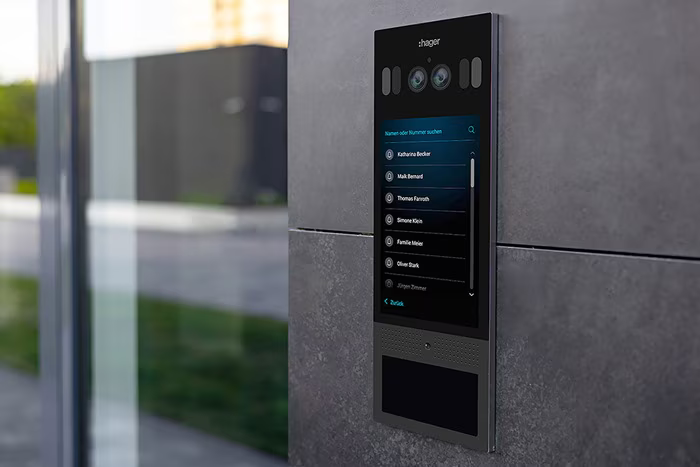
Hager Group
UX Sound Design
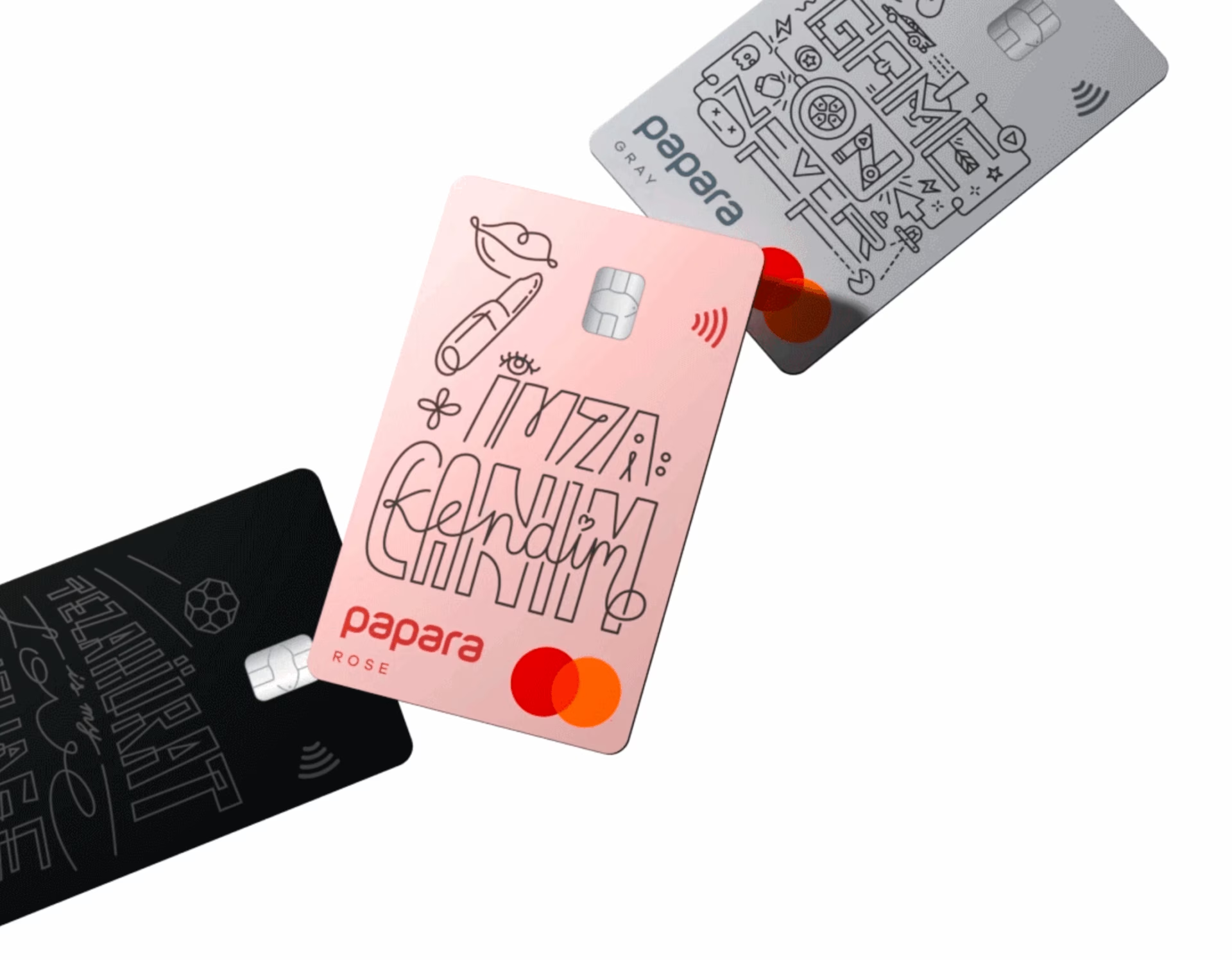
Papara
Audio Identity | Audio Logo | Music | UX Sound Design | Voice

Rejsekort
UX Sound Design

IG
Audio Identity | Audio Logo | Music | UX Sound Design

UI Sounds for the DSB App
UX Sound Design

OPPO
Audio Identity | Music | UX Sound Design

Jabra Panacast
UX Sound Design

Moments of Space
Audio Identity | Audio Logo | UX Sound Design

Asteroid Lab (Terraformers)
UX Sound Design | Video Games

Distrobird
Audio Identity | Audio Logo | Music | UX Sound Design

Cardo Systems
UX Sound Design

EatMyBill
UX Sound Design

Anker Soundcore
UX Sound Design

Volvo
UX Sound Design

AeroGuest
Music | UX Sound Design
